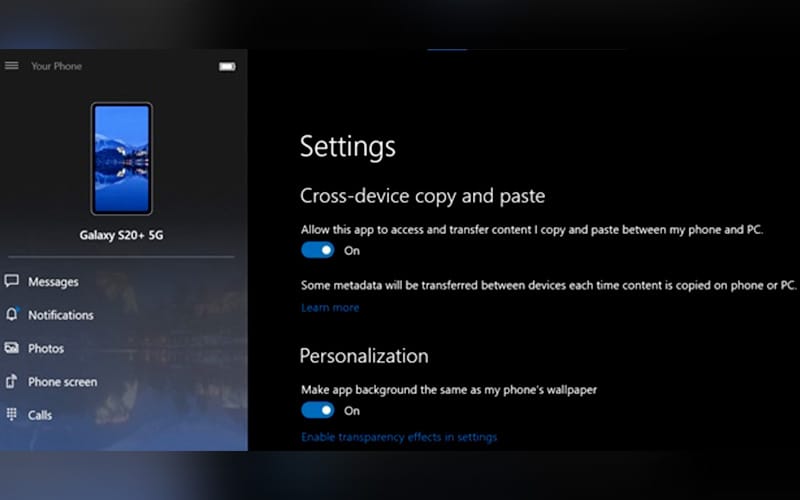
To enable this feature made possible by a Microsoft and Samsung partnership which began last year, smartphones must be installed with the Your Phone application, a smartphone app that connects your desktop to your handset.
Within the settings menu, users just need to toggle on the tool titled “cross-device copy and paste.”
In addition to this update, users will also be able to turn their phone screen off to save power while it’s being mirrored onto a PC, as well as send and receive RCS messages on their Samsung device through the app as long as their mobile carrier supports it.
These features are now available to users whose phone is running the latest version of the Your Phone app and whose PC is powered by a version of Windows 10 from April 2018 or later.